 TodoIt
Type it the way you'd say it.
TodoIt turns one line into a todo with a list, a person and a due date. It works offline, needs no account and shows no ads.
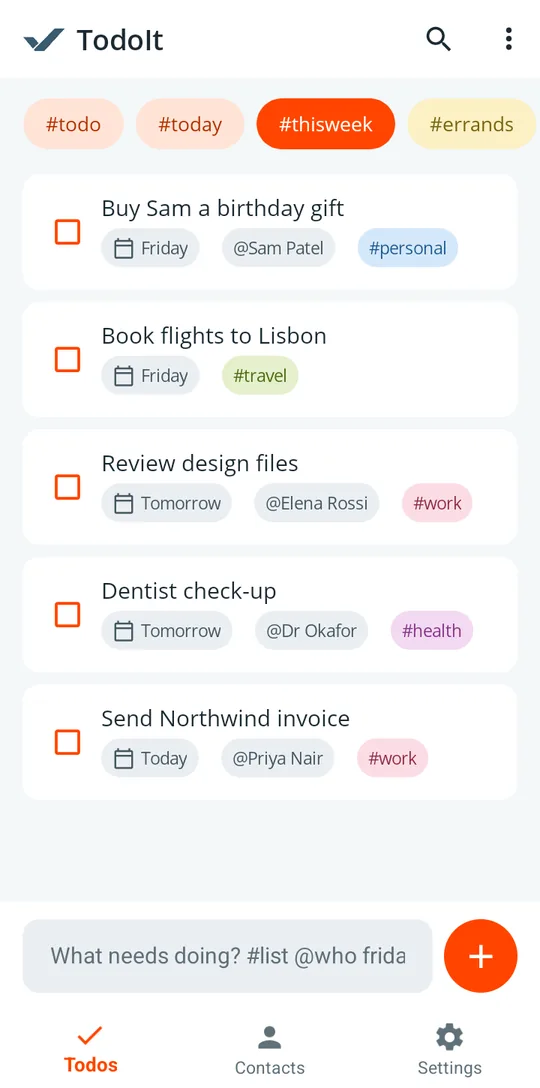
One bar. No forms.
Write the todo as a sentence. TodoIt picks out what matters and files it for you.
#travelPuts it on a list. Type a new name and the list exists.@priyaAttaches a contact from your contacts page.fridaySets the due date. Try today, tomorrow or next week.
Lists you never have to set up
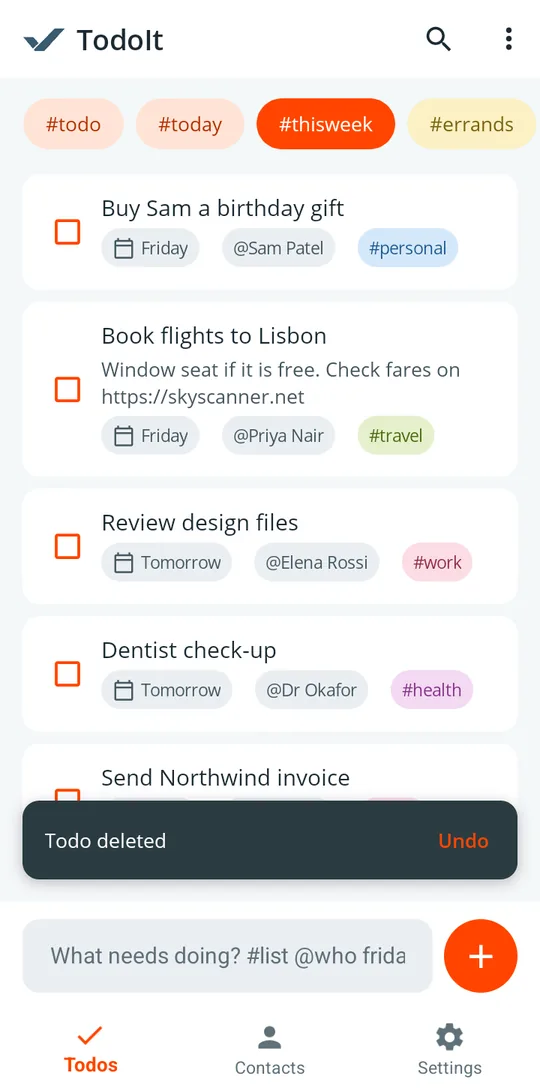
Add #travel to a todo and the list exists. Each one gets its own colour, and keeps it everywhere.
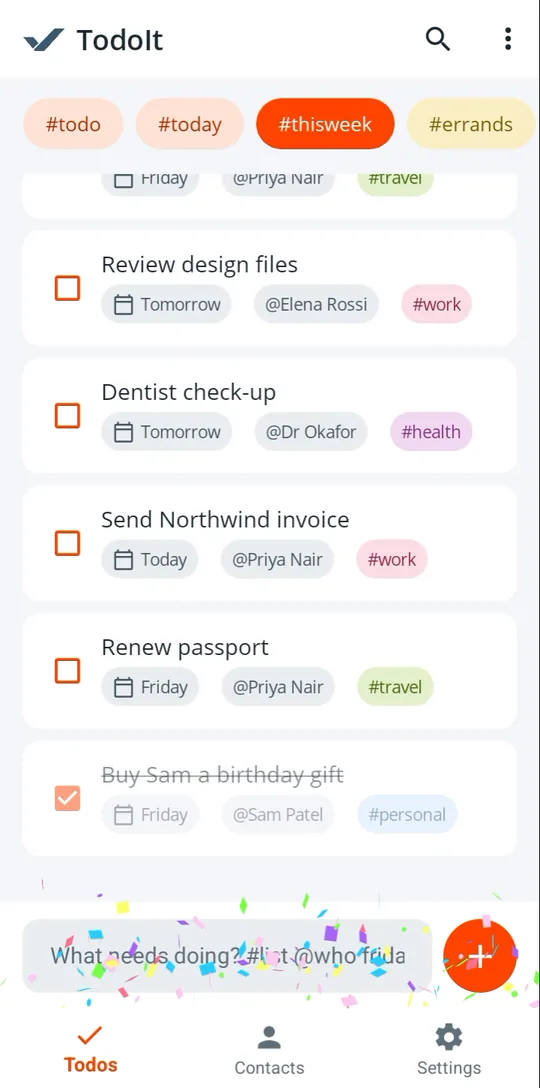
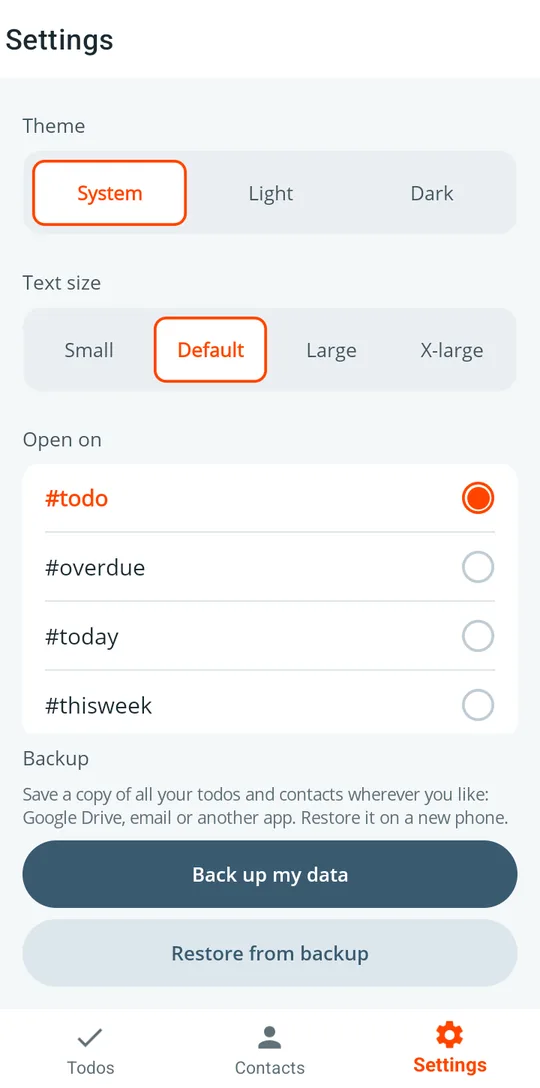
#today, #thisweek and #overdue sort themselves out from due dates. Pick which list the app opens on, and tap a chip to switch.
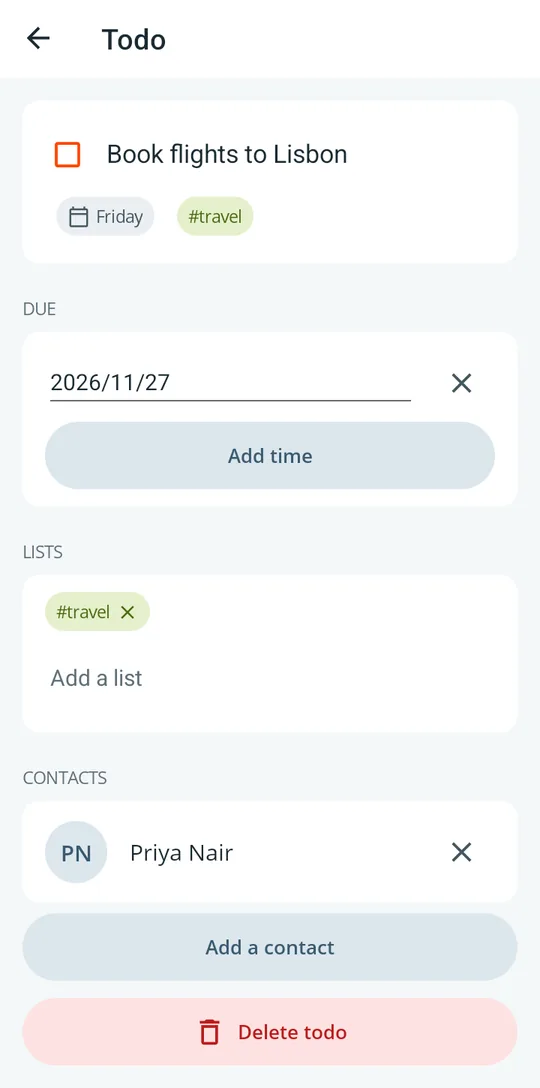
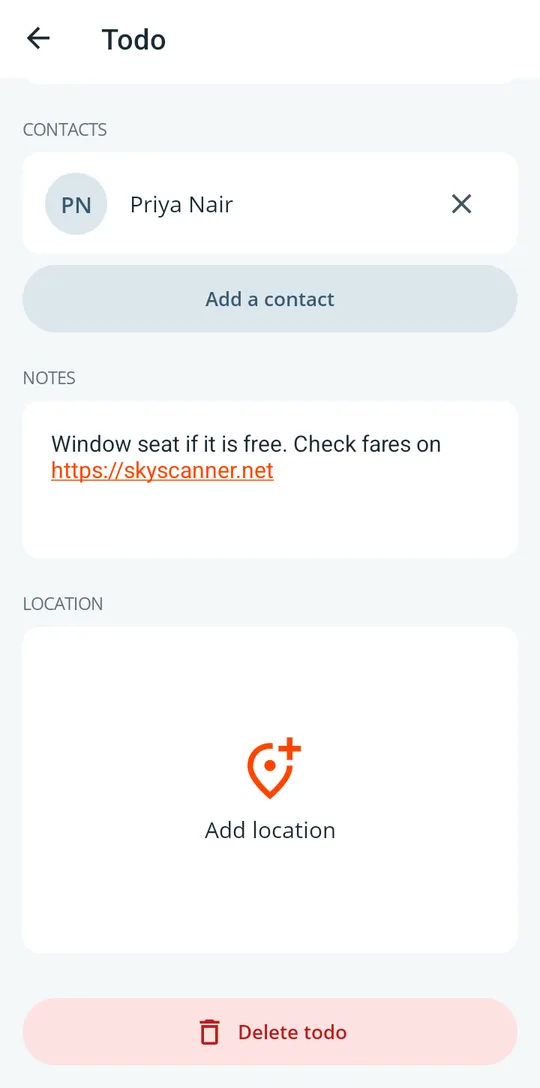
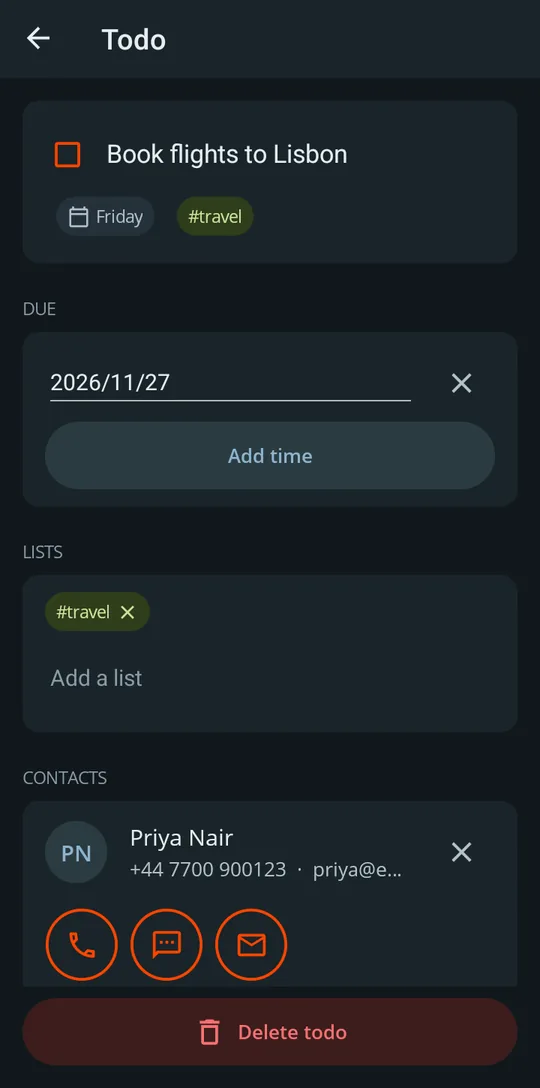
Everything about a todo, on one page
Due date and time, lists, people and notes. Changes save as you make them, so there is no Save button to forget.
- Add a time only when it matters
- Links in your notes are tappable
- Attach more than one contact
People, not just names
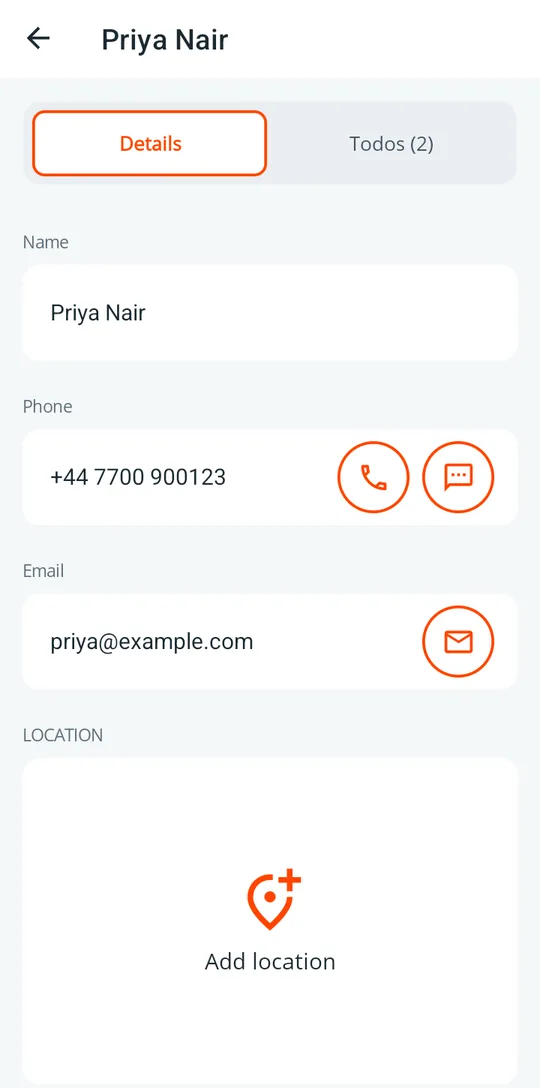
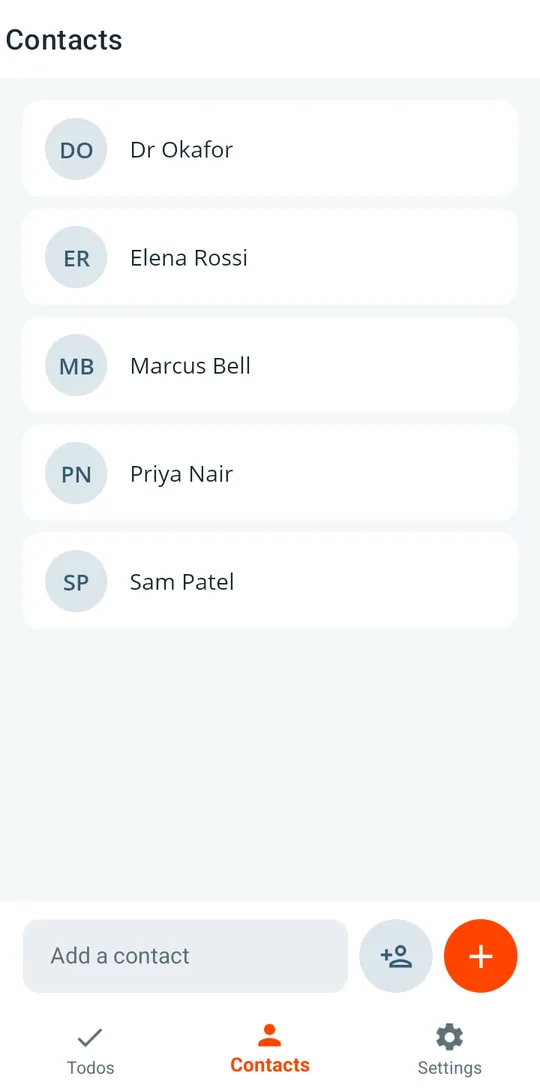
Add a contact by name, or import one from your phone. Each contact has a page with their details and every todo that mentions them.
- Call, text or email in one tap
- Keep an address, with directions
- TodoIt copies only the contacts you pick
Pin where it happens
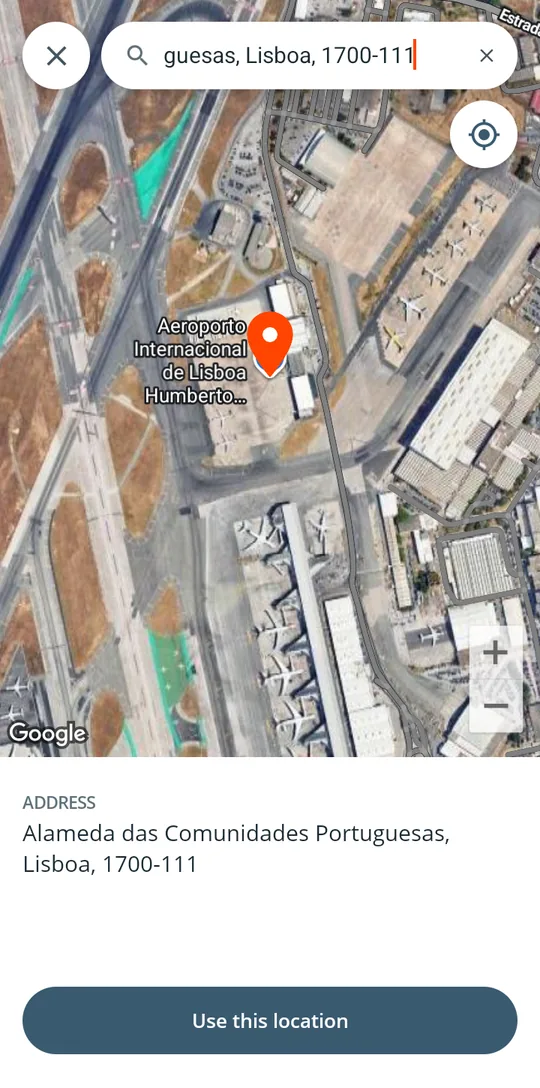
Give a todo a place. Search for an address or drop a pin on the map, then get directions when it's time to go.
The map is the only part of TodoIt that goes online, and only while the picker is open.
The small things, done properly
Done sinks, with confetti
Ticked todos drop to the bottom of the list. Clear them all at once, and bring them back from the undo bar if you slip.
Search
Find any todo by what you typed. Matching lists show up as chips to jump to.
List on your home screen
On Android, pin any list as a shortcut. Its icon takes the list's colour.
Back up and restore
Save everything to one file and share it wherever you like. Restore it on a new phone.
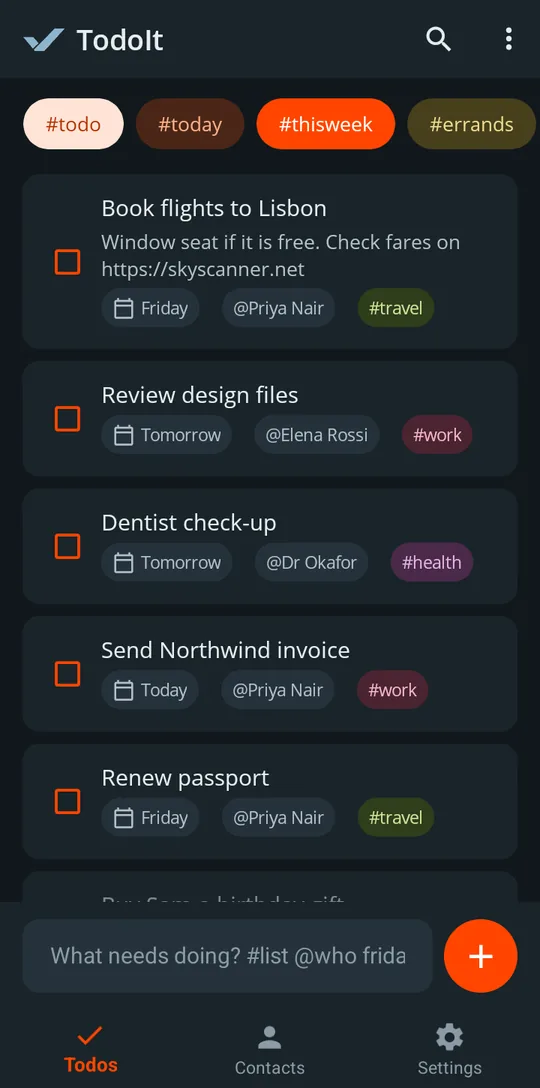
Light, dark, your size
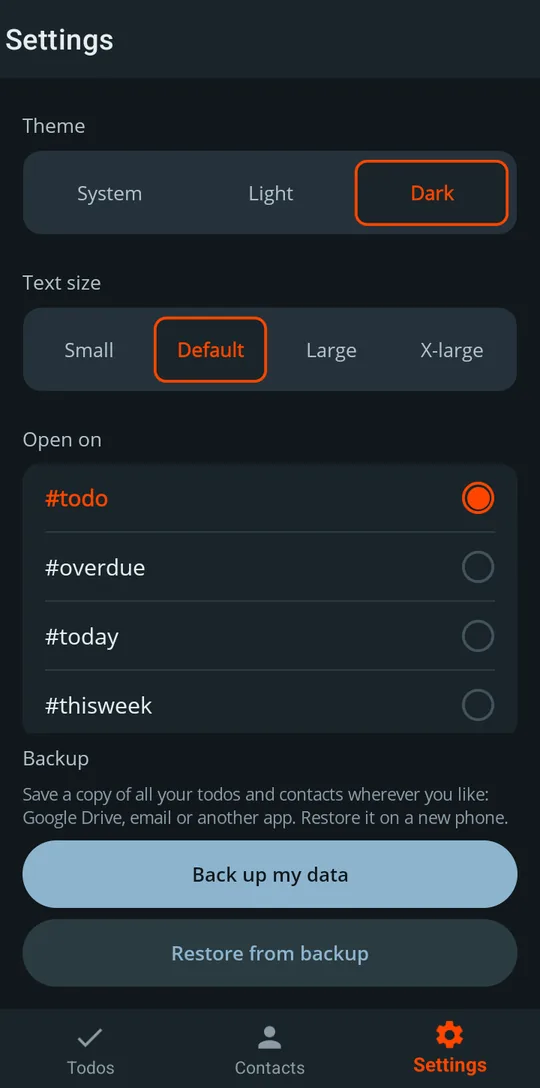
Follow the system theme or choose one. Text runs from Small to X-large.
Six languages
English, German, Spanish, French, Brazilian Portuguese and Afrikaans.
A look inside
Your todos stay on your phone
Everything lives in a database on your device. There is no server of ours for it to reach.
- No accountOpen the app and start typing.
- No ads and no trackingNo analytics, nothing watching what you do.
- Works offlineOnly the map picker ever uses the internet.
- Your backup, your choiceOne file, saved wherever you decide.
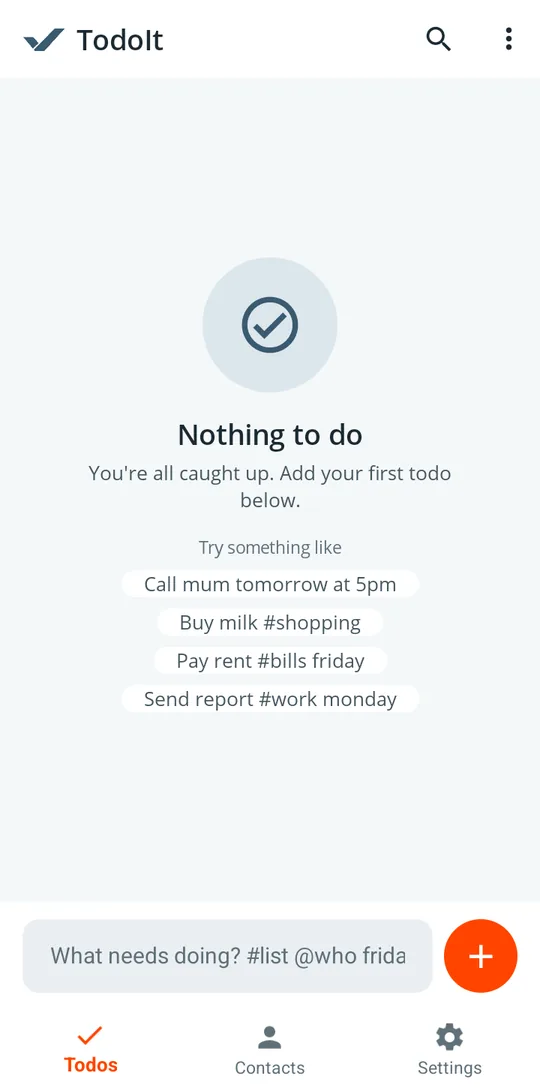
Add your first todo in one line
Nothing to sign up for and nothing to set up.